

Sample Wallet
For a complete working example, check out our sample wallet implementation:Sample Wallet - Swift (WalletKit)
A reference iOS wallet app demonstrating WalletConnect Pay via WalletKit.
Requirements
- iOS 13.0+
- Swift 5.7+
- Xcode 14.0+
- WalletKit (ReownWalletKit) 2.4.0 or later (ships YttriumWrapper 0.10.59). Required for the
dataparameter inconfirmPayment.
- Navigate to the WalletConnect Dashboard.
- Select the project that is associated with your wallet (as in, the projectId that is being used for your wallet’s WalletConnect integration).
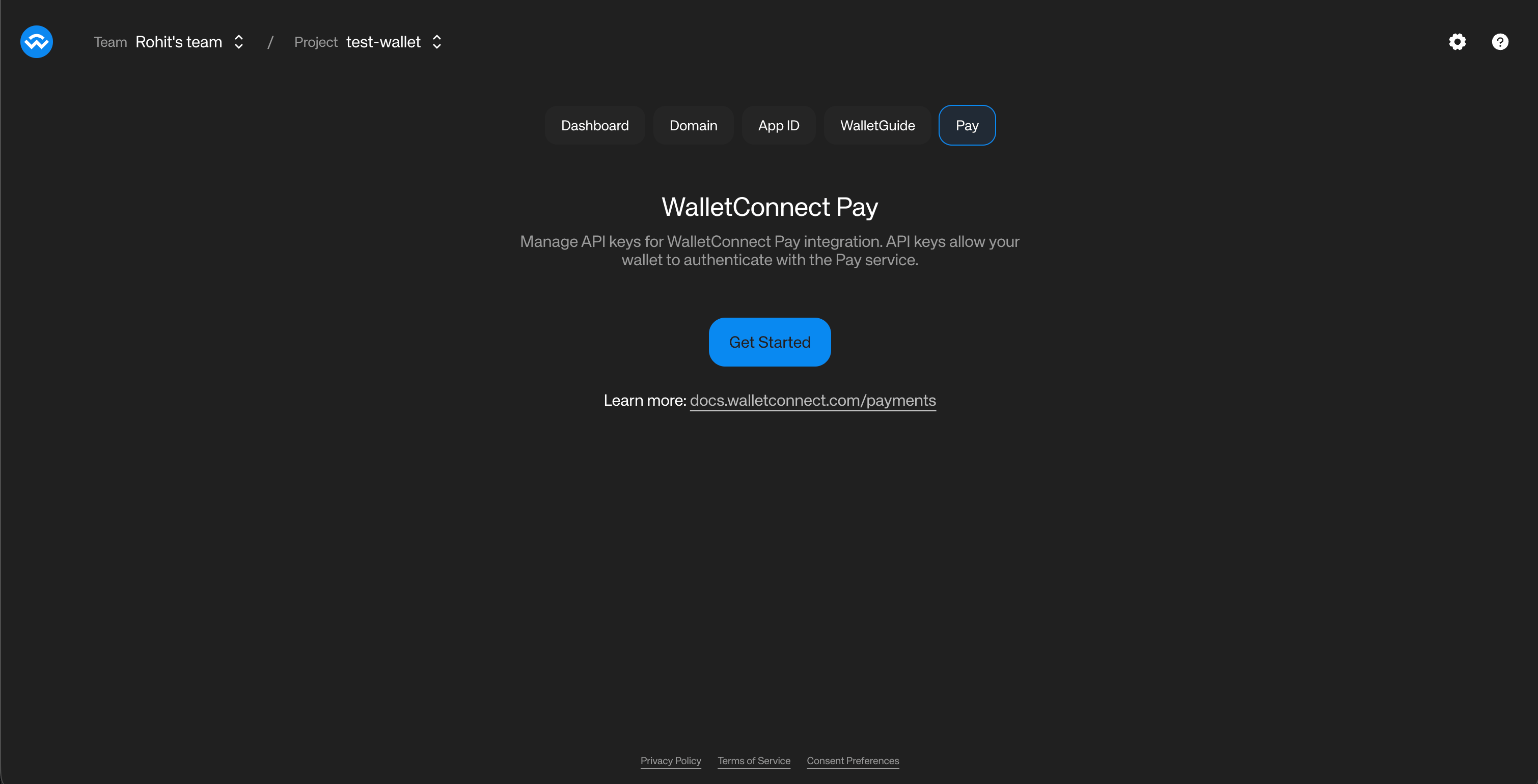
- Click on the “Get Started” button to get a WCP ID associated with your project.
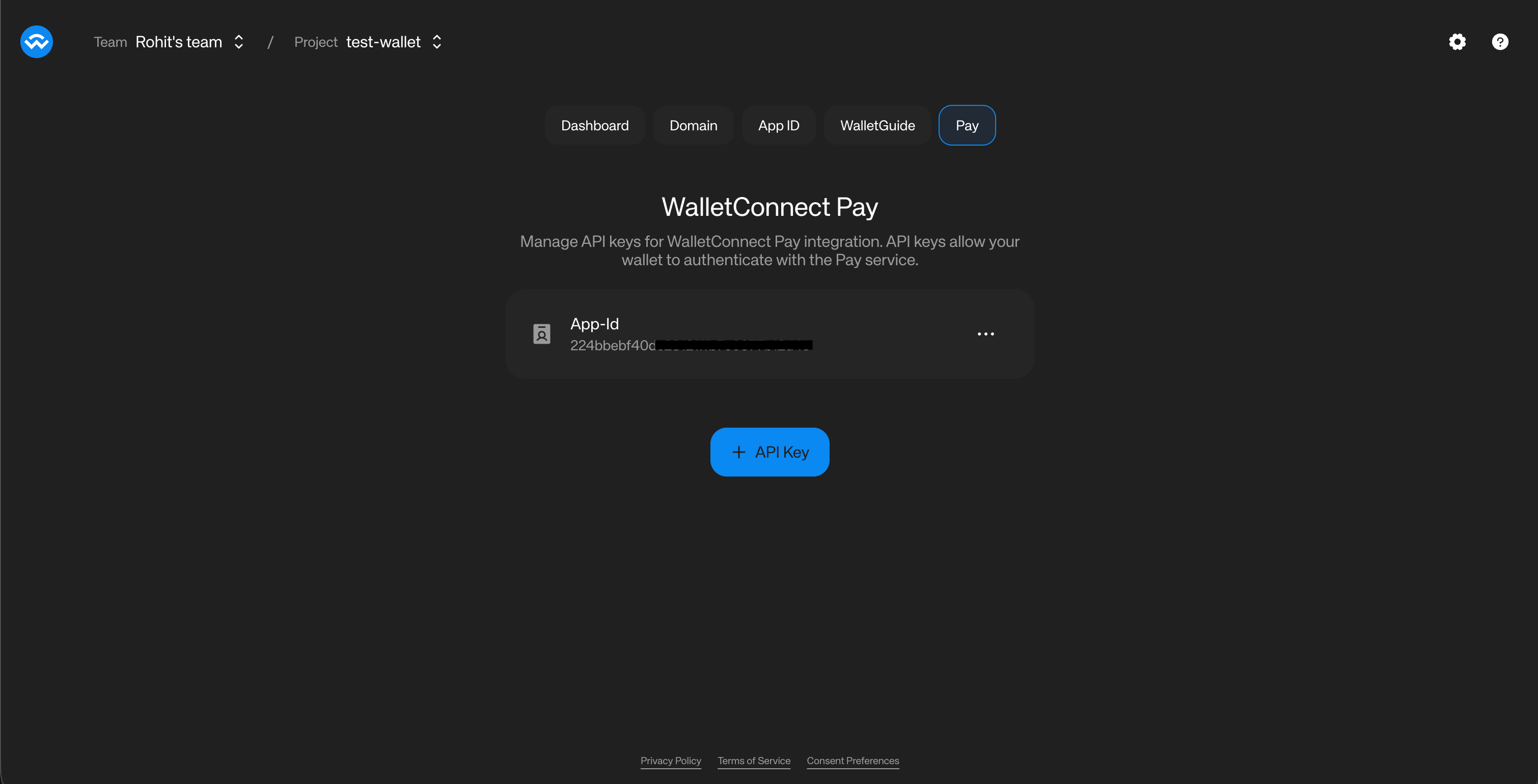
- The Dashboard will now show the WCP ID associated with your project.
- Click on the three dots on the right of the WCP ID and select “Copy WCP ID”. You will be using this for your wallet’s WalletConnect Pay integration.
Installation
Swift Package Manager Add ReownWalletKit to yourPackage.swift:
ReownWalletKit to your target dependencies:
Check the GitHub releases for the latest version.
Initialization
When using WalletKit, Pay is automatically configured using your project’sNetworking.projectId. No separate configuration is needed.
Payment Link Detection
Use the staticisPaymentLink method to detect payment links before processing:
isPaymentLink utility method detects WalletConnect Pay links by checking for:
pay.hosts (e.g., pay.walletconnect.com)pay=parameter in WalletConnect URIspay_prefix in bare payment IDs
Payment Flow
The payment flow consists of six main steps: Detect Payment Link -> Get Options -> Collect Data (if required) -> Get Actions -> Sign Actions -> Confirm PaymentGet Payment Options
When a user scans a payment QR code or opens a payment link, fetch available payment options:
Collect User Data (If Required)
After the user selects an option, check for
collectData on it. If present, collect the data before fetching the required actions.Embedded Data Collection Form
When a payment requires user information (e.g., for Travel Rule compliance), the SDK returns acollectData field on individual payment options. Each option may independently require data collection — some options may require it while others don’t.The form is loaded from selectedOption.collectData.url and embedded in your wallet (a WebView on mobile, an iframe on web). It handles field rendering, validation, Terms & Conditions and Privacy Policy acceptance, and submits data directly to the backend.Collect this data before fetching the required actions. For an option that requires Information Capture, getRequiredPaymentActions fails with 400 IC data required until the data has been submitted.Recommended Flow
The recommended approach is to display all payment options upfront, then handle data collection only when the user selects an option that requires it:- Call
getPaymentOptionsand display all available options to the user - Show a visual indicator (e.g., “Info required” badge) on options where
option.collectDatais present - When the user selects an option, check
selectedOption.collectData - If present, load
selectedOption.collectData.urlin the embedded form - Optionally append query parameters to the form URL —
prefill(known user data),theme, andthemeVariables(appearance). See Form URL parameters below. Use proper URL building so existing query parameters are preserved. - Listen for completion messages:
IC_COMPLETE(success) orIC_ERROR(failure) - On
IC_COMPLETE, continue the flow — fetch the required actions, sign, and confirm the payment. Don’t passcollectedDatatoconfirmPayment(); the form submits data directly to the backend
Decision Matrix
Form URL parameters
The form URL accepts the following optional query parameters. Append them toselectedOption.collectData.url before loading it, preserving any existing query parameters.collectData.schema is a JSON schema string — parse it and read its required array to discover the field keys for prefill. For example, a required array of ["fullName", "dob", "pobAddress"] maps to a prefill object of {"fullName": "...", "dob": "...", "pobAddress": "..."}.Customizing the form appearance
theme and themeVariables are optional and independent — pass either, both, or neither:themeswitches the form betweenlightanddarkbase color modes. Match it to your wallet’s active mode for a seamless transition.themeVariablesapplies brand-level overrides (font, font size, select colors, button border radius, and input border radius). Generate the theme in the WalletConnect Pay Dashboard, export it as a base64url string, and append it to the form URL verbatim — you don’t need to encode it at runtime.
The top-level
collectData on the payment options response is still available for backward compatibility. However, the per-option collectData is the recommended approach as it provides more granular control over the flow.WebView Message Types
The WebView communicates with your wallet through JavaScript bridge messages. The message payload is a JSON string with the following structure:Platform-Specific Bridge Names
Sign Actions
Each action contains a
walletRpc describing the RPC call to execute. Your wallet must check the method field and dispatch accordingly — for example, a payment option may require an eth_sendTransaction to approve a token allowance followed by an eth_signTypedData_v4 to sign Permit2 typed data:Payment options may include multiple actions with different RPC methods. For example, a Permit2 payment where the user lacks sufficient allowance returns two actions: an
eth_sendTransaction to approve the token allowance, followed by an eth_signTypedData_v4 to sign the Permit2 transfer. Your wallet must check action.walletRpc.method and dispatch to the appropriate handler. For full implementation guidance, see USDT support.Signing Implementation
Confirm Payment
Submit the wallet RPC results (
data) and finalize the payment. Each element of data is either a plain string (a signature or transaction hash) or, for chains like Tron, a JSON-encoded object; WalletConnect Pay forwards each element verbatim to the gateway. See Tron support for the Tron payload.When using the WebView approach for data collection, the WebView submits the captured data directly to the backend, so you do not pass
collectedData to confirmPayment.Data Collection Implementation
WhenselectedOption.collectData.url is present, display the URL in a WKWebView. The WebView handles form rendering, validation, and T&C acceptance.
Data Collection Best Practices
- Display prominently: Show the form full-screen or as a prominent modal so users can interact with it easily
- Loading indicator: Show a loading indicator while the form loads
- Handle errors: Listen for
IC_ERRORmessages and display a user-facing error message with an option to retry - External links: Open Terms & Conditions and Privacy Policy links in the system browser rather than navigating within the form
- Domain restriction: Only allow navigation to WalletConnect pay domains and HTTPS URLs
- Back navigation: Handle back/dismiss gracefully — confirm cancellation with the user before closing the form mid-flow
- Keyboard behavior: Test that the soft keyboard appears and behaves correctly when users tap on form inputs
- Theme to match your brand: Pass
theme=lightortheme=darkto match your wallet’s active color mode, and apply brand tokens withthemeVariablesexported from the WalletConnect Pay Dashboard. See Form URL parameters.
Complete Example
Here’s a complete implementation using WalletKit:API Reference
WalletKit Integration When using WalletKit, Pay methods are accessed viaWalletKit.instance.Pay.*.
Static Methods
Instance Methods (WalletKit.instance.Pay)
Data Types
PaymentOptionsResponse
Error Handling
The SDK throws specific error types for different failure scenarios: GetPaymentOptionsError
GetPaymentRequestError
ConfirmPaymentError
Best Practices
-
Use WalletKit Integration: If your wallet already uses WalletKit, prefer the
WalletKit.instance.Pay.*access pattern for automatic configuration -
Use
isPaymentLink()for Detection: Use the utility method instead of manual URL parsing for reliable payment link detection -
Account Format: Always use CAIP-10 format for accounts:
eip155:{chainId}:{address} - Multiple Chains: Provide accounts for all supported chains to maximize payment options
-
Result Order: Keep
datain the same order as the actions array - Error Handling: Always handle errors gracefully and show appropriate user feedback
- Loading States: Show loading indicators during API calls and signing operations
-
Expiration: Check
paymentInfo.expiresAtand warn users if time is running low -
User Data: Only collect data when
collectDatais present on the selected payment option and you don’t already have the required user data. If you already have the required data, you can submit this without collecting from the user. You must make sure the user accepts WalletConnect Terms and Conditions and Privacy Policy before submitting user information to WalletConnect. -
WebView Data Collection: When
selectedOption.collectData?.urlis present, display the URL in a WKWebView rather than building native forms. The WebView handles form rendering, validation, and T&C acceptance. -
Per-Option Data Collection: When displaying payment options, check each option’s
collectDatafield. Show a visual indicator (e.g., “Info required” badge) on options that require data collection. Only open the WebView when the user selects an option withcollectDatapresent — use the option’scollectData.urlwhich is already scoped to that option’s account.